
.png)





Show all
Business insights
How to Pay for ChatGPT Plus and the OpenAI API with a Card

31.08.2026
05
min to read

31.08.2026
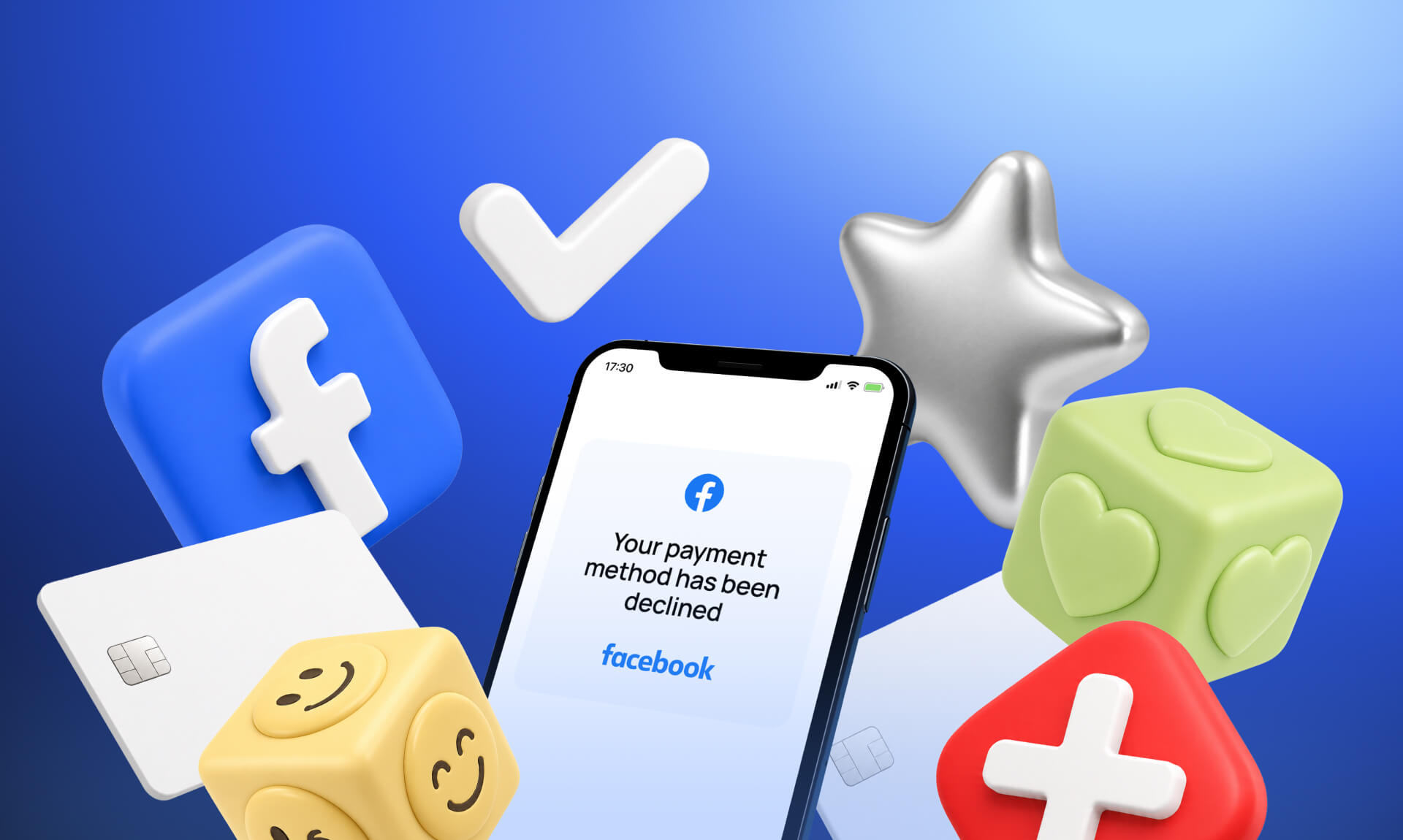
There is nothing worse than having a winning campaign freeze up because of a sudden billing error. Just as your ads start doing well, everything stops, kills your momentum, and makes your costs jump when you restart. It is incredibly frustrating, but once you know why your card declined on Facebook Ads, you can fix it fast and get your traffic moving again.

Your Facebook Ads card may not be working due to:
Your card might be declined on Facebook Ads due to your financial institution blocking the transactions to protect your account.
Banks may view advertising payments as unusual activity, especially if you're launching your first campaign, increasing your budget, or making multiple charges in a short period. As a result, the transaction may be automatically blocked for security reasons.
To fix it, call your bank’s fraud department, tell them you are running a business on Meta, and ask them to permanently whitelist Facebook Ads payments.
If your daily budget outpaces your available balance or hits a hidden bank transaction limit, Meta’s charge will fail, causing them to aggressively retry and eventually lock the account.
Avoid your card getting declined on Facebook Ads by keeping a cash buffer in your account, lowering your Meta billing threshold so charges happen in smaller chunks, and asking your bank to lift any daily transaction caps.
Many banks can block international or cross-border transactions, especially when charges originate from a different country than the cardholder's location. Since Meta may process payments through international billing entities, your bank could flag the transaction as potentially risky and decline it.
To fix it, contact your bank and ensure that international and online transactions are enabled for your card. If possible, ask them to add Meta charges to your approved merchants list to prevent future declines.
Sometimes, Facebook Ads payments are declined not because your bank rejected the charge, but because Meta’s internal security systems stepped in to block it.
If the card you are using has ever been linked to a disabled ad account or has a history of chargebacks, Meta’s automated system blacklists the card entirely to protect its platform.
Meta continuously monitors ad accounts for suspicious activity. Sudden increases in ad spend, logging in from multiple locations, unusual payment behavior, or missing business verification can trigger a temporary risk review. During this process, Meta may decline payments or pause billing until the account is verified.
If your ad account is set up to pay in US dollars but you try to attach a local card issued in Europe or Asia, Meta's gateway may decline your Facebook Ads payment due to geographical inconsistency.
Meta's payment and risk systems pay close attention to sudden spending spikes. If an account that normally spends $20 per day suddenly launches campaigns spending hundreds or thousands of dollars, Meta may temporarily decline charges or place the account under review until it confirms the activity is legitimate.
Sometimes the issue isn’t your balance or even Meta’s systems but the type of card itself. Meta uses BIN data to assess risk, and some BIN ranges are more likely to be restricted.
Prepaid cards, certain debit cards, and issuers from higher-risk regions are more often declined, even if everything looks fine on your side. That’s why your card may keep getting declined by Facebook even after multiple attempts.
If you see a BIN declined Facebook error, it often means the card type or issuing bank is not fully supported. This is where virtual business cards or higher-tier credit cards usually perform better.

When your Facebook Ads payment is declined, act fast to prevent the algorithm from losing data. Follow these steps to resolve the block.
Check your bank statement first to ensure your balance covers the full threshold amount. Then, go to Payment Settings in Ads Manager and confirm that the expiration date, CVV, and billing zip code exactly match your bank records.
If the details are correct, call the number on the back of your card and explicitly tell them to whitelist all future charges from Meta.
Never rely on a single card. Add a secondary card or a verified PayPal business account to your billing dashboard so Meta can automatically pull funds if your primary card ever glitches again.
If standard cards keep failing, migrate your billing to modern fintech platforms that issue BINs specifically optimized for heavy digital ad spending.
Assign exactly one unique card to each individual ad account. Sharing one card across multiple ad accounts creates a dangerous domino effect because if Meta flags the card on one account, every single account tied to it can immediately freeze.
Still questioning, “Why is my card declined on Facebook?” At some point, constantly troubleshooting the same payment issues becomes more expensive than fixing the root cause.
A virtual card solution like Finup VCC is designed specifically for advertisers facing recurring payment declines.
If you're serious about scaling ads without payment headaches, consider using a dedicated VCC for Facebook Ads instead of relying on traditional cards.
Your card is declined on Facebook Ads usually because of a mismatch between your account details and bank records or because Meta's automated security system flagged the payment as suspicious.
To fix Facebook Ads payment issues, first verify that your card's billing address, CVV, and expiration date exactly match your bank statements. Next, call your bank to whitelist Meta. Pay off any outstanding balance in your Ads Manager, and add a secondary payment method to get your ads running again.
Yes, the type of card matters significantly. Meta prefers standard credit or debit cards issued by major, mainstream banks and explicitly rejects many types of anonymous prepaid, gift, or unverified virtual cards.
If your card belongs to a BIN that Meta associates with high-risk behavior, it will be declined automatically.
A virtual card built specifically for media buying can help you eliminate Meta Ads card declines. They provide trusted BIN ranges that pass Meta's automated security checks and allow you to instantly generate fresh backup cards if an ad account freezes.
When a Facebook payment method declined error happens despite having funds, it is usually due to daily transaction limits set by your bank or cross-border restrictions. Because Meta frequently processes payments through international hubs, your bank may block the charge unless you authorize international transactions.
Yes, you should always isolate your billing by using one unique card per ad account to avoid freezing all connected accounts.
Looking for the best card for Facebook Ads? Forget about failed payments and switch to a solution built for media buying. Issue a card in minutes so your campaigns keep running without interruptions.
.png)
.png)
%20EN%20cover.png)
