Virtual card
for Microsoft Azure

Streamline your Microsoft cloud billing with VCCs for Azure, designed to freeze runaway infrastructure costs. Set strict financial boundaries for every workspace, eliminate surprise invoices, and load funds instantly via crypto without a traditional bank or the risk of overdrafts.
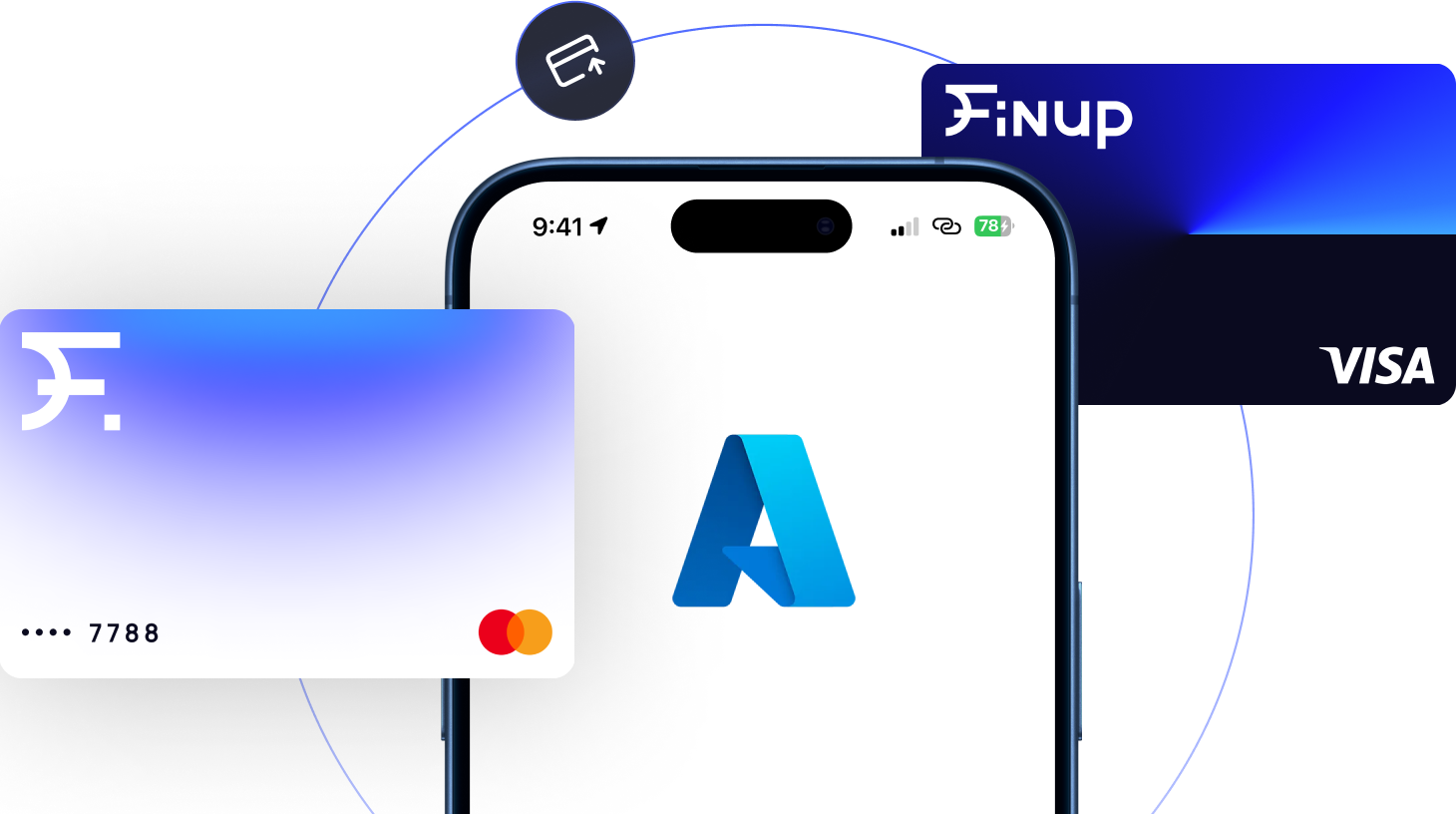
What is a VCC
for Azure?

A virtual card for Azure is a digital payment method that puts a strict limit on your cloud spending. Since Azure bills can easily spike overnight due to automatic scaling, this card acts as a safety shield by blocking any charges that cross your set budget. It is the easiest way to guarantee you never get a surprise bill.

Types of Virtual Cards
for Azure

Choose the right VCC for Azure from Finup to eliminate traditional banking limits and safely pay Azure with crypto to avoid local banking restrictions.

Built for tech companies, engineering teams, and startups scaling their infrastructure.

  • Easily pay for heavy cloud compute and team API usage.

  • Use high-limit cards with trusted business BINs

  • Manage all your software subscriptions and cloud bills in one place.

Create unlimited virtual cards online with Finup - image №1

Business card

20+ BINs
Advertising
Proxy
Web-services

$3.00

Issuing

Free

Maintaining

Built for tech companies, engineering teams, and startups scaling their infrastructure.

  • Easily pay for heavy cloud compute and team API usage.

  • Use high-limit cards with trusted business BINs.

  • Manage all your software subscriptions and cloud bills in one place.

Built for digital agencies, IT consultants, and developers managing multiple projects.

  • Create separate cards for different client accounts.

  • Adjust spending limits instantly to match your active project budgets.

  • Use BINs that easily pass automated cloud billing and ad platforms checks.

Advertising card

20+ BINs
High spending limits
Unlimited number of cards

From $3.00

Issuing

Free

Maintaining

Built for digital agencies, IT consultants, and developers managing multiple projects.

  • Create separate cards for different client accounts.

  • Adjust spending limits instantly to match your active project budgets.

  • Use BINs that easily pass automated cloud billing and ad platforms checks.

Why Use a
VCC for Azure?

Get greater control over cloud spending and see the real difference.

Spend guardrails vs
surprise bills

Cloud costs can skyrocket overnight from auto-scaling. Setting a ceiling on your virtual card for Azure automatically blocks overages and keeps your main budget safe.

Per-subscription
granular budgets

Issue a Microsoft Azure virtual credit card for every separate subscription or resource group. This lets you isolate project costs, track client expenses, and simplify your accounting.

Crypto funding

Skip banking delays and top up your balance instantly using USDT, TRX, LTC, ETH, POL, SOL, USDС, BTC, AVAX, BNB, or TON.

Compromised-key
instant freeze

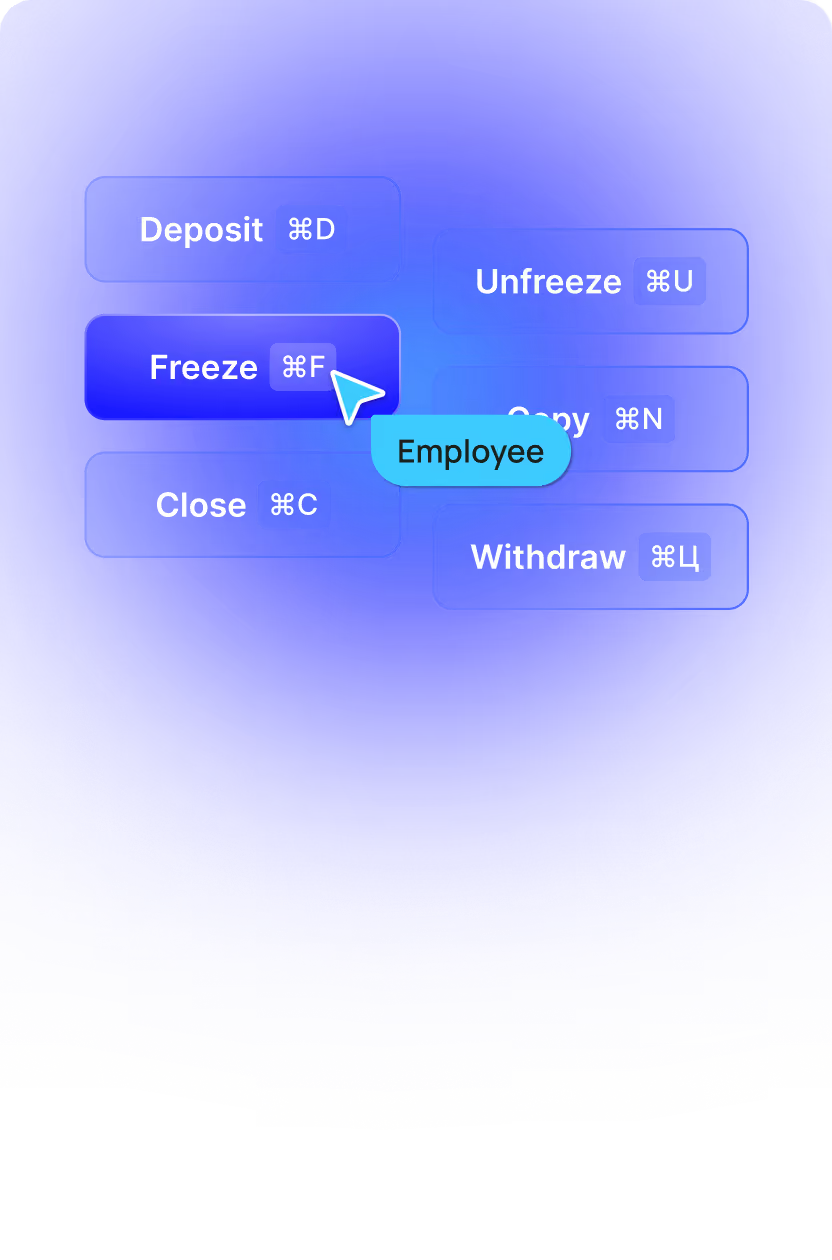
If a subscription key or developer credential ever leaks, unauthorized scripts can drain your funds. Finup lets you freeze your specific card instantly with one click.
Finup — Issue unlimited cards & fund them with crypto - image№7

No monthly fees

Keep your infrastructure overhead low. With the Finup Azure payment card, there are no hidden monthly fees, maintenance costs, or decline penalties. So you only pay for the cloud resources you actually use.

Team roles & permissions

Give your developers the flexibility to build without losing financial oversight. Distribute unique virtual cards to team members, set individual caps, and monitor all spending from one dashboard.

How Does It Work?

Issue a VCC for Azure in minutes and manage your 
cloud infrastructure budget with four simple steps:

1. Create account & top up

Sign up for a Finup account and quickly fund your wallet balance. You can deposit funds instantly using your preferred cryptocurrency.

2. Issue card(s)

Generate your new virtual card for Azure directly from the dashboard. Choose your preferred card network, select a high-trust business BIN to guarantee approval, and assign a custom name for the specific project.

3. Fund & add to Azure payment methods / billing profile

Copy your new virtual card details and input them into your Microsoft Azure account under payment methods. Set it as your primary Azure billing virtual card to keep your subscriptions running smoothly.

4. Monitor & optimize

Track all cloud infrastructure spending in real-time through an advanced dashboard. Set up automated spending alerts and adjust your hard caps on the fly to ensure you stay 100% within your budget.

Pricing

Choose the perfect plan for your project and issue your Microsoft Azure virtual credit card today. No monthly/hidden/decline fees.

FAQ

Does Microsoft Azure accept virtual cards?

Yes, but with an important catch. While Microsoft Azure has strict billing filters that often decline standard prepaid or low-quality virtual cards, it fully accepts high-tier VCCs.

By using a premium virtual card for Azure with a trusted BIN, you can easily bypass these automated blocks. The system recognizes the card as a traditional corporate credit line, ensuring your cloud services keep running smoothly without unexpected payment failures.

Can I pay for Azure with crypto?

Yes, you can use a Microsoft Azure virtual credit card to pay for services with crypto. Simply top up your VCC with USDT, TRX, LTC, ETH, POL, SOL, USDС, BTC, AVAX, BNB, or TON and use this money to cover your expenses.

How do I prevent surprise Azure bills?

To prevent surprise bills, set a hard spending limit in your VCC for Azure. This way, even if your cloud usage unexpectedly spikes or a service is accidentally left running, any transaction above that amount is instantly blocked.

Can I assign one card per Azure subscription?

Yes, Finup makes it possible. You can issue one virtual card for Azure per subscription for clean isolation and reporting. There’s no limit on how many cards you can create.

Are there monthly fees?

No, the Microsoft Azure virtual credit card from Finup doesn’t have any maintenance fees, nor decline fees or withdrawal fees. You pay only the per-card issuance fee and the deposit fee.

What if Azure charges more than the card limit?

With Finup VCC for Azure, it's easy to stay in control of your cloud spending. Simply set a spending limit on your virtual card, and any charge that exceeds the available balance or card limit will be automatically declined. On the other hand, there are no pre-set platform limits, so you can process large transactions and scale your cloud infrastructure without any restrictions.

This website uses cookies to enhance user experience and to analyze performance and traffic on our website.

Accept Cookies