
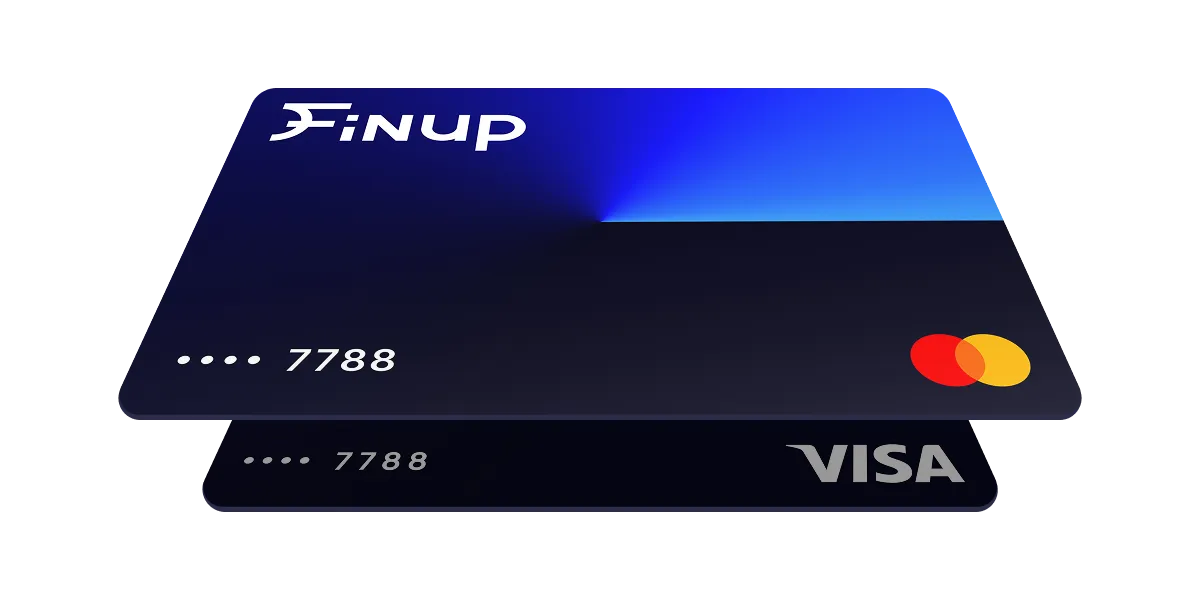
Virtual card
for Google Cloud

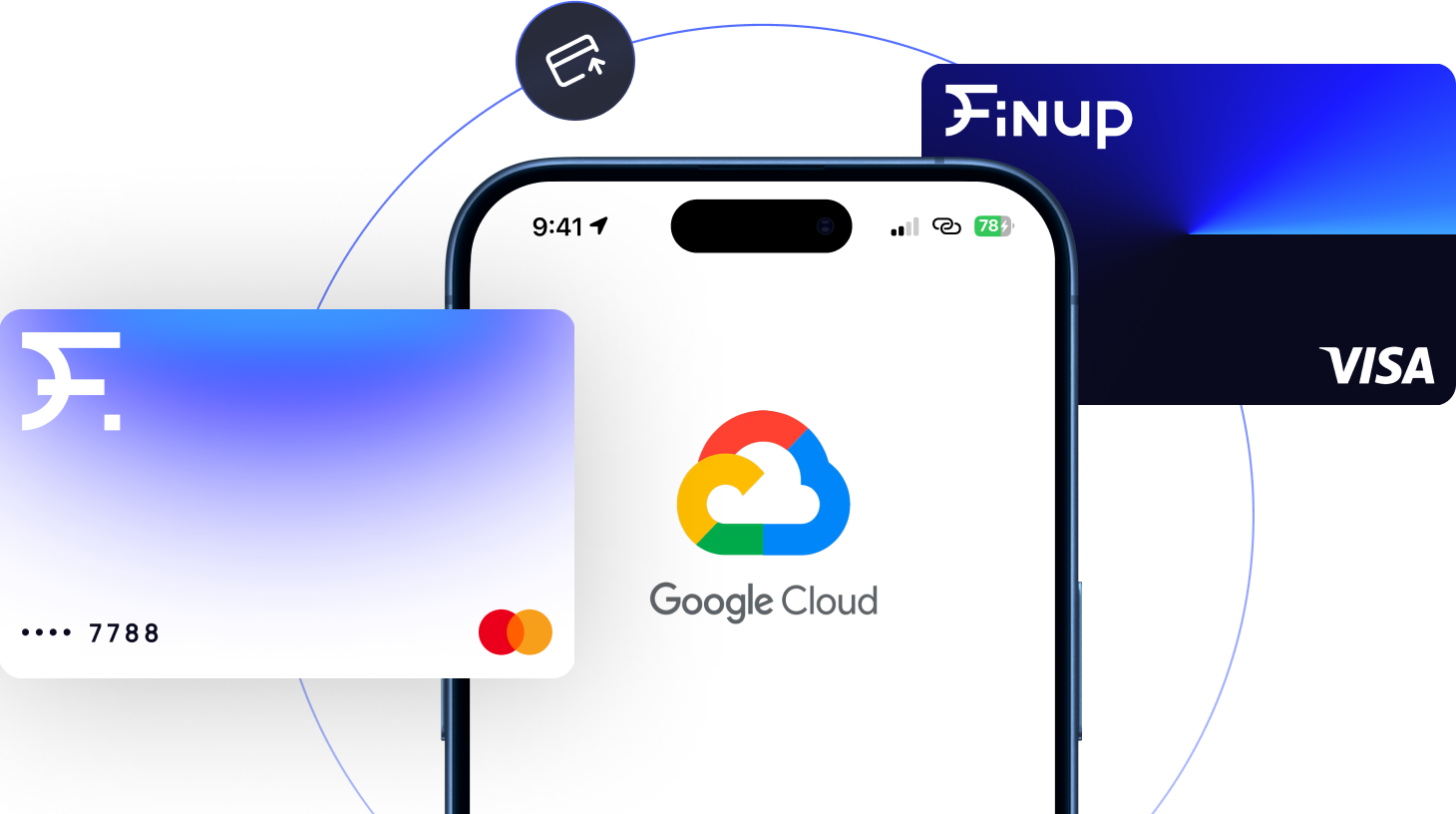
Use a Finup VCC for Google Cloud services with more control over your cloud costs. Set spending limits for each project to prevent unexpected charges from Compute Engine, BigQuery, or other GCP resources, and fund your card with crypto without relying on a traditional bank.

What is a VCC
for Google Cloud?

A virtual card for Google Cloud is a virtual payment card you can use to keep your cloud spending under control. Unlike a regular business card, it lets you set strict spending limits and prevent unexpected charges caused by auto-scaling, expensive BigQuery queries, leaked API keys, or other usage spikes. With Finup, you can issue dedicated virtual cards for your cloud projects and maintain a firm spending cap.

Types of Virtual Cards
for Google Cloud

Choose the ideal digital payment method for Claude to break free
from traditional, rigid banking restrictions.

Built for companies, developers, and IT teams.

  • Pay for Claude Pro accounts and developer API keys across your entire team from one Wallet.

  • Use premium cards with higher limits to prevent service cut-offs and billing downtime.

  • Unified Tracking: See all your software subscriptions and tech bills on a single dashboard.

Give your employees reliable access to Claude while keeping your software accounting simple with a VCC for Google Cloud.

Create unlimited virtual cards online with Finup - image №1

Business card

20+ BINs
Advertising
Proxy
Web-services

$3.00

Issuing

Free

Maintaining

Built for companies, developers, and IT teams.

  • Pay for Claude Pro accounts and developer API keys across your entire team from one Wallet.

  • Use premium cards with higher limits to prevent service cut-offs and billing downtime.

  • Unified Tracking: See all your software subscriptions and tech bills on a single dashboard.

Give your employees reliable access to Claude while keeping your software accounting simple with a VCC for Google Cloud.

Built for ad agencies, media buyers, and brands running large campaigns.

  • Assign different cards to separate campaigns, client accounts, or ad profiles.

  • Change your spending limits instantly to match your active ad spend.

  • Depend on stable payment cards so your active ads and marketing tools never pause.

Use a reliable Google Cloud virtual credit card to easily fund your ad accounts.

Advertising card

20+ BINs
High spending limits
Unlimited number of cards

From $3.00

Issuing

Free

Maintaining

Built for ad agencies, media buyers, and brands running large campaigns.

  • Assign different cards to separate campaigns, client accounts, or ad profiles.

  • Change your spending limits instantly to match your active ad spend.

  • Depend on stable payment cards so your active ads and marketing tools never pause.

Use a reliable Google Cloud virtual credit card to easily fund your ad accounts.

Why Use a VCC
for Google Cloud?

Take absolute control over your budget with flexible funding and secure team access.

Spend guardrails

A virtual card for Google Cloud lets you set a spending limit before charges happen. If usage suddenly increases because of auto-scaling, expensive BigQuery queries, or forgotten resources, your spending can't exceed the card's limit.

Per-project granular budgets

Use a separate Google Cloud virtual credit card for each project, environment, client, or development stage. This keeps cloud costs organized, simplifies expense tracking, and makes it easy to see exactly where your budget is going.

Crypto funding

Top up your balance with USDT, USDC, BTC, and other supported cryptocurrencies. Finup's system gives you the flexibility to pay for cloud infrastructure using the funding method that best fits your business.

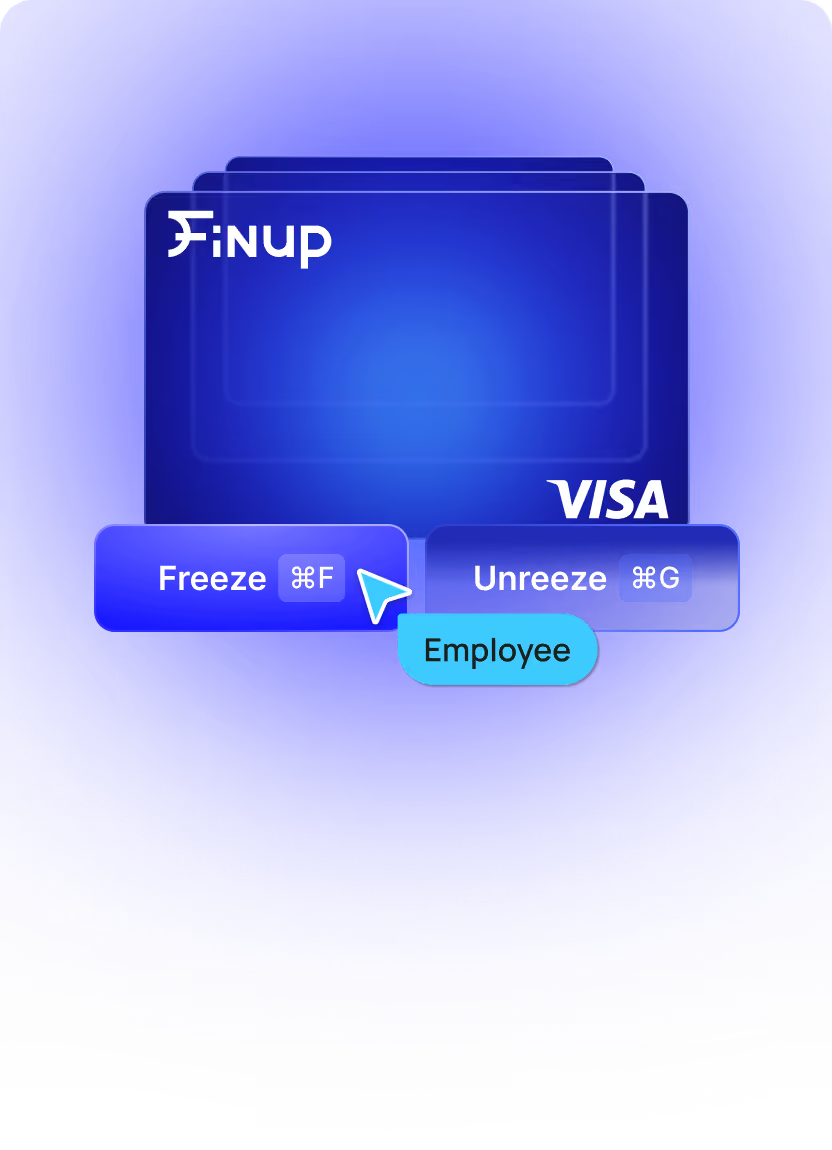
Instant freeze protection

If a payment method is exposed or API keys are leaked, you can freeze the card instantly to stop further charges. Because each project can have its own payment card, security incidents stay isolated instead of affecting your entire cloud account.

Finup — Issue unlimited cards & fund them with crypto - image№7

No monthly fees

Create and manage as many cards as your workflow requires without paying a monthly subscription. You can organize cloud spending more effectively without adding recurring overhead.

Team roles

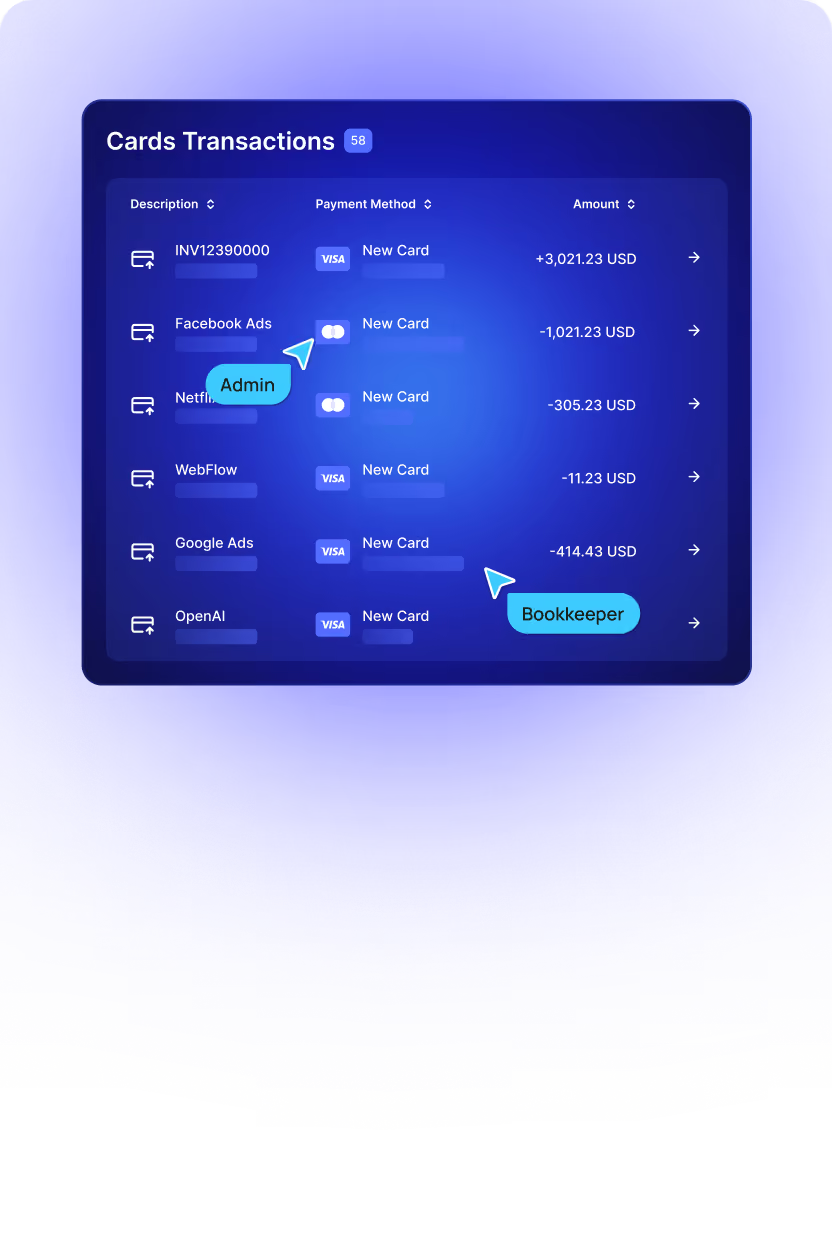
Assign spending limits and permissions to employees without sharing your primary payment method. A dedicated Google Cloud Platform payment card for each team or project gives you better visibility and tighter financial control across your organization.

How Does It Work?

Get your Google Cloud virtual credit card from Finup
and take full control of your cloud infrastructure spending.

1. Create account & top up

Fill in your name and surname, email, Telegram account, and password. Sign up for Finup and fund your wallet using your preferred cryptocurrency.

2. Issue card(s)

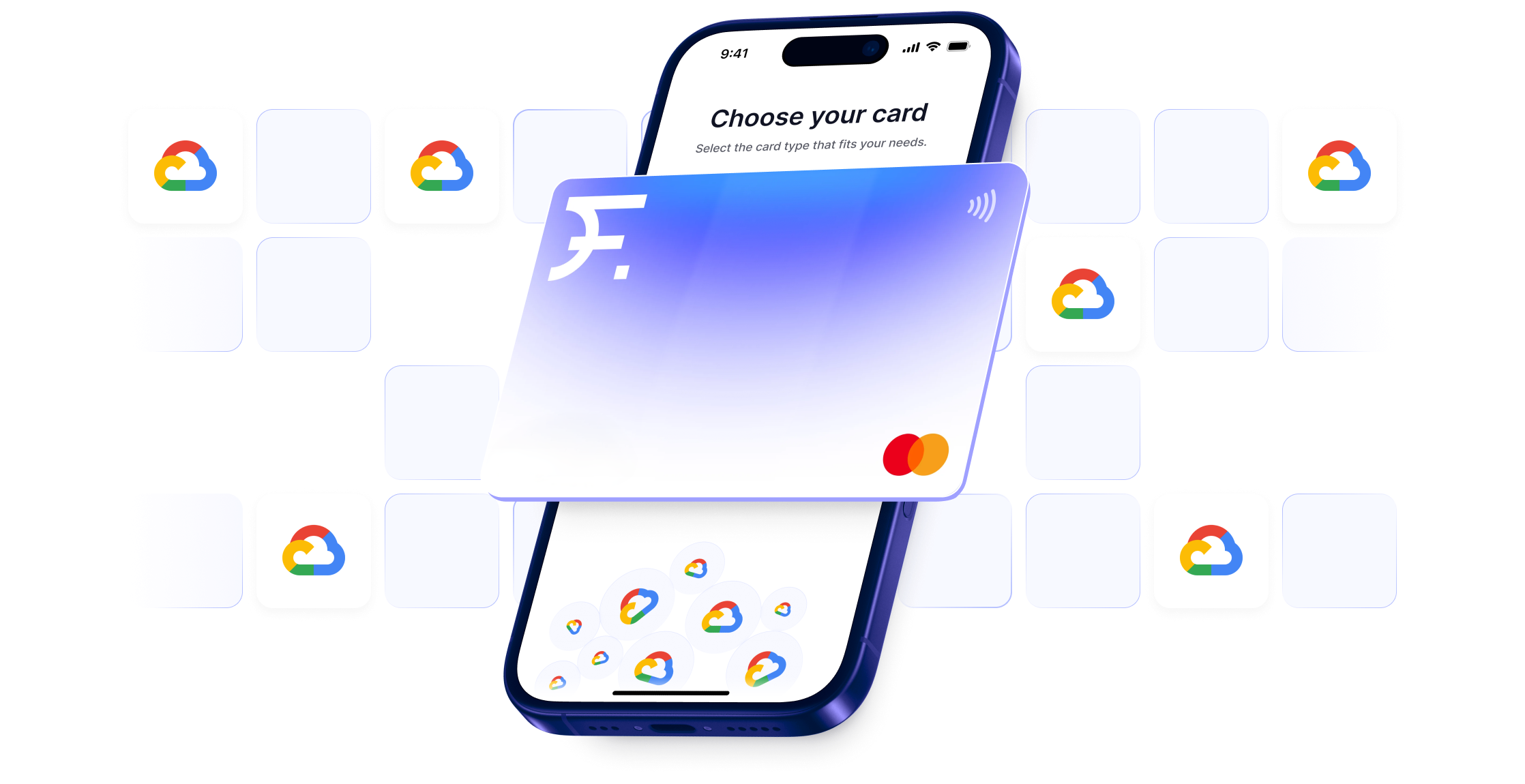
Generate your virtual card for Google Cloud by picking Visa or Mastercard, selecting a trusted BIN, and assigning a custom project name.

3. Fund & add to Google Cloud billing

Add your new virtual credit card details straight into your Google Cloud payment profile as your primary payment method.

4. Monitor & optimize

Track cloud infrastructure spending in real-time on a clean dashboard and configure automated spending alerts to block overages.

Pricing

Choose the perfect plan for your development scale and start issuing virtual cards with total fee transparency.

FAQ

Does Google Cloud accept virtual cards?

Yes. Google Cloud fully supports standard Visa and Mastercard networks, which makes a Finup virtual card for Google Cloud work seamlessly as an official billing method. Because Google’s automatic fraud filters and regional rules can sometimes be strict, Finup provides a selection of premium BINs. This ensures maximum compatibility with Google's verification system.

Can I pay for Google Cloud with crypto?

You can top up a Finup VCC for Google Cloud with USDT, TRX, LTC, ETH, POL, SOL, USDС, BTC, AVAX, BNB, or TON. After that, GCP will charge the virtual card in standard currency (like USD or EUR) just like a normal bank card.

How do I stop surprise Google Cloud bills?

Finup virtual card for Google Cloud lets you set spending caps, so any charge that goes over your budget is automatically blocked. Even if a server unexpectedly scales up or a developer runs an expensive data query, the card cuts off the overage instantly

Can I use one card per GCP project?

Yes, you can issue as many Google Cloud virtual credit cards as you need. Make it one per project, per client, or per an environment. Finup helps you streamline reporting and ensure complete cost isolation.

Are there monthly fees?

No, there are no monthly or decline fees in Finup VCC for Google Cloud. You pay only a small per-card issuance fee and a deposit fee.

What happens if GCP tries to charge more than the limit?

The transaction is blocked. Keep in mind that overdue bills can cause Google to pause your live applications or lock your resources. To prevent downtime, you can use our API auto-reload feature to ensure your Google Cloud virtual credit card always has enough money for valid costs.

This website uses cookies to enhance user experience and to analyze performance and traffic on our website.

Accept Cookies