
.png)







Show all
Business insights
Why AML Screening Matters When You Get Paid in Crypto

06.10.2026
08
min to read

06.10.2026
%20cover.jpg)
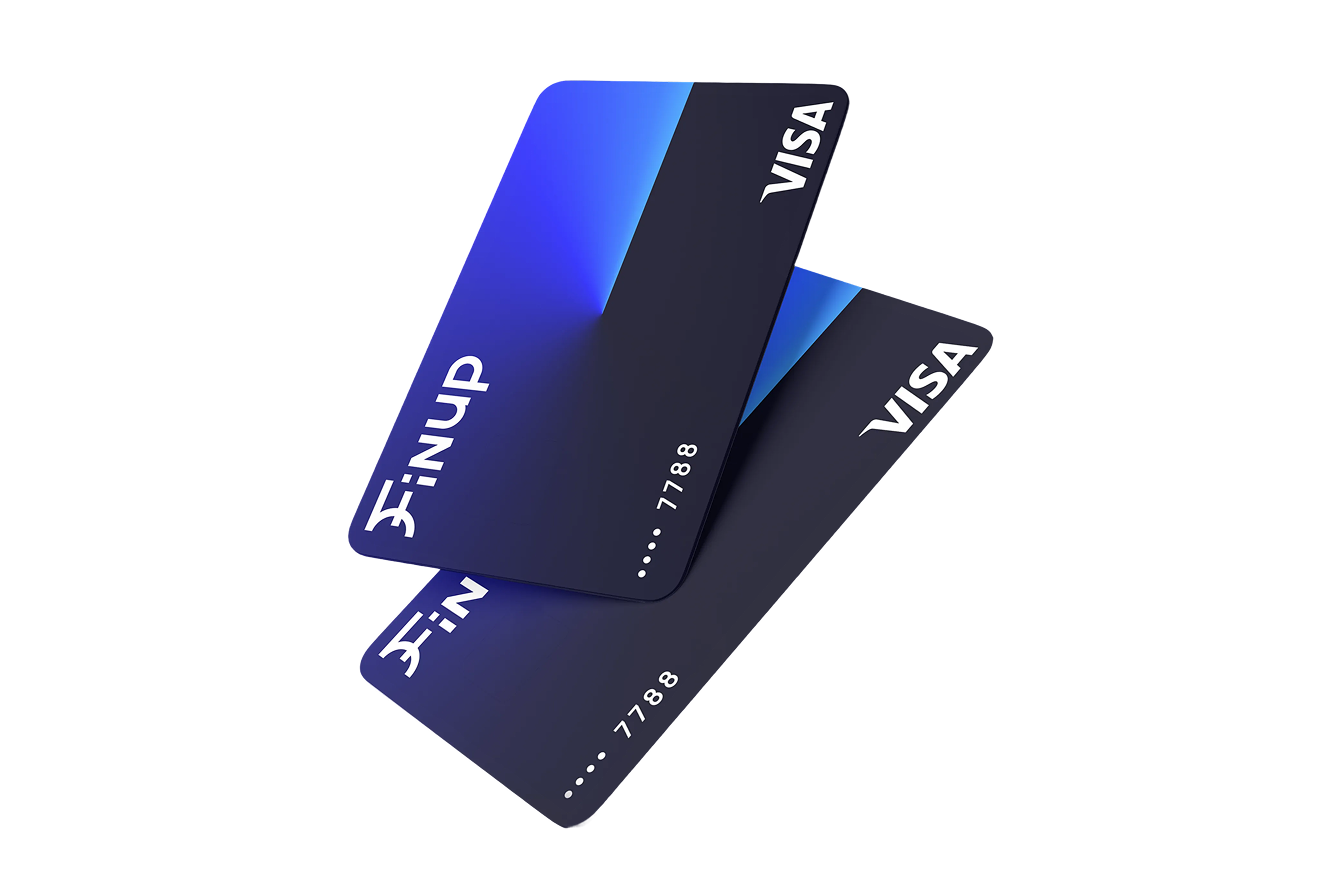
An Advertising Card is a specialized virtual card designed specifically for payment processing on ad platforms, offering features like high transaction limits and isolated billing addresses to prevent account bans. A Business Card is a general-purpose corporate tool used for broader operational expenses such as software subscriptions, travel, and general vendor payments.
In short, the answer to “What type of virtual card should my team use?” is the following. For major platforms like Meta or Google Ads, an Advertising Card is the superior choice. Ad platforms are notorious for "blanket bans" if a payment fails or if a card is linked to multiple accounts with inconsistent billing data.
Using a dedicated Advertising Card from Finup allows you to:
Note: Google Ads billing requirements vary by region. Always ensure your card's "Credit/Debit" status and "Issuer Country" match your Google Ads account settings to avoid verification holds.
If your team manages more than several thousand dollars in monthly ad spend, the friction of advertising card vs. business card becomes a liability. You should switch to a dedicated Ad Card when:
Using your primary Business Card for advertising is risky. If a single ad spend spike causes your bank to freeze the card, your entire tech stack could go dark. SaaS tools with failed payments often revoke access immediately, leading to data loss or team downtime. So, it’s better to ssue a separate virtual card for Facebook Ads.
A Business Card is the optimal tool for the "Long Tail" of company expenses. SaaS tools like Zoom, Canva, or Salesforce thrive on consistency.
When you use a single card as an advertising card & business card, you lose financial "line of sight." A $500 overspend on a Facebook campaign might go unnoticed if it’s buried under a $2,000 AWS invoice. Furthermore, if an ad platform freezes your card due to a "suspicious activity" flag, your Slack, Zoom, and email hosting could all go dark simultaneously, halting your entire team's productivity.
%20EN.jpg)
A company should use both when advertising spend and operating spend require different owners, limits, or approval logic. Implementing a hybrid setup — Ad Cards for media buys and Business Cards for overhead — is essential for any team managing over a few thousand dollars in monthly ad spend or multiple client accounts.
Use one Advertising Card per client to keep budgets strictly isolated and one Business Card for agency-wide tools (e.g., project management software).
Use Advertising Cards per platform (one for Meta, one for Google) and individual Business Cards for department heads to manage their specific software stacks.
Start with one Advertising Card for all growth experiments and one Business Card for the "burn rate" essentials (rent, hosting, and domains).
Mixing an Advertising Card with a general Business Card does more than just risk a payment decline. It muddies your financial data, making it nearly impossible to calculate true ROAS (Return on Ad Spend) or reconcile client invoices without manual digging. At scale, this lack of separation leads to hitting credit limits prematurely and triggering fraud alerts that can freeze your entire operation.
Agencies require a structure that isolates client capital while preserving visibility for finance teams. The most secure method is a "one card per client" policy, which ensures that a payment issue for one client never disrupts the campaigns of another.
It provides clean, exportable statements that can be sent directly to the client for billing transparency.
It’s best for large-scale projects where you need to track ROI at a granular level (e.g., a Black Friday launch vs. evergreen ads).
It’s ideal for smaller agencies that want to see exactly how much they are spending on TikTok vs. Google across their entire portfolio.
When choosing the best virtual card structure for Facebook Ads, make sure that it aligns with your spending,
Choosing a provider is a technical decision, not just a financial one. You should compare:
Role management. Verify that you can invite team members with "Employee" or "Admin" permissions without sharing master credentials.
%20EN.jpg)
Technically, yes, but it is not recommended. Mixing these spend types creates security risks and makes financial reconciliation significantly more difficult. If the card is compromised on an ad platform, your software tools will also stop working.
Yes. Dedicated advertising cards provide better budget isolation and higher spending limits tailored for the rapid fluctuations of media buying. This setup prevents a single payment failure from affecting your entire agency's operations.
Yes, it’s important for every agency to do this. It ensures that Client A’s budget never accidentally pays for Client B’s ads. It also provides clean, exportable statements for each client’s billing.
For a small marketing team, the most efficient setup is a hybrid multi-card system rather than a single shared account. This involves issuing one dedicated Advertising Card for high-spend platforms (Meta, Google Ads) to prevent account-wide freezes and individual Business Cards for team members or departments. This structure ensures that a junior designer’s $50 stock photo budget is architecturally separated from a media buyer's $5,000 ad spend.
You need both when your monthly ad spend exceeds $2,000 or when you manage more than five distinct SaaS subscriptions. Operating with both card types is a functional necessity for risk mitigation and financial clarity. Specifically, you should move to a dual-card setup if you run ads on volatile platforms like Meta or TikTok, as having a separate Ad Card ensures your operational software (on your Business Card) stays active even if an ad account is flagged.
Virtual cards provide real-time governance that traditional physical cards cannot match. Because they can be created and deleted instantly, they act as "firewalls" for your company's capital. Key mechanisms include merchant locking (restricting a card so it only works with "Google Ads"), granular limits (setting daily or lifetime caps), and automated tagging, which allows you to export CSVs already categorized by client or project.
Before switching, you must audit a provider based on technical compatibility and BIN quality. Ensure the provider offers "Credit" or "Business" BINs, as many ad platforms now reject "Prepaid" cards. You should also verify the platform’s team permission levels (Admin vs. Member roles) and its ability to integrate directly with accounting software like Xero or QuickBooks for seamless reconciliation.
Absolutely. Implementing a card-per-client model is the safest way to scale. It ensures that if one client's card is flagged or hits a limit, the campaigns for your other clients remain active and unaffected.
No. You should avoid mixing these costs. Using a single card for both SaaS subscriptions and ad spend creates a "single point of failure"—if a high ad bill triggers a bank hold, your project management tools and CRMs could go offline immediately.
.png)
.png)
.png)
